
Special Offers

All Homes by Villatel Communities
Stay 4 Nights, Get the 5th Free
All Homes by Villatel Communities
Stay 4 Nights, Get the 5th Free
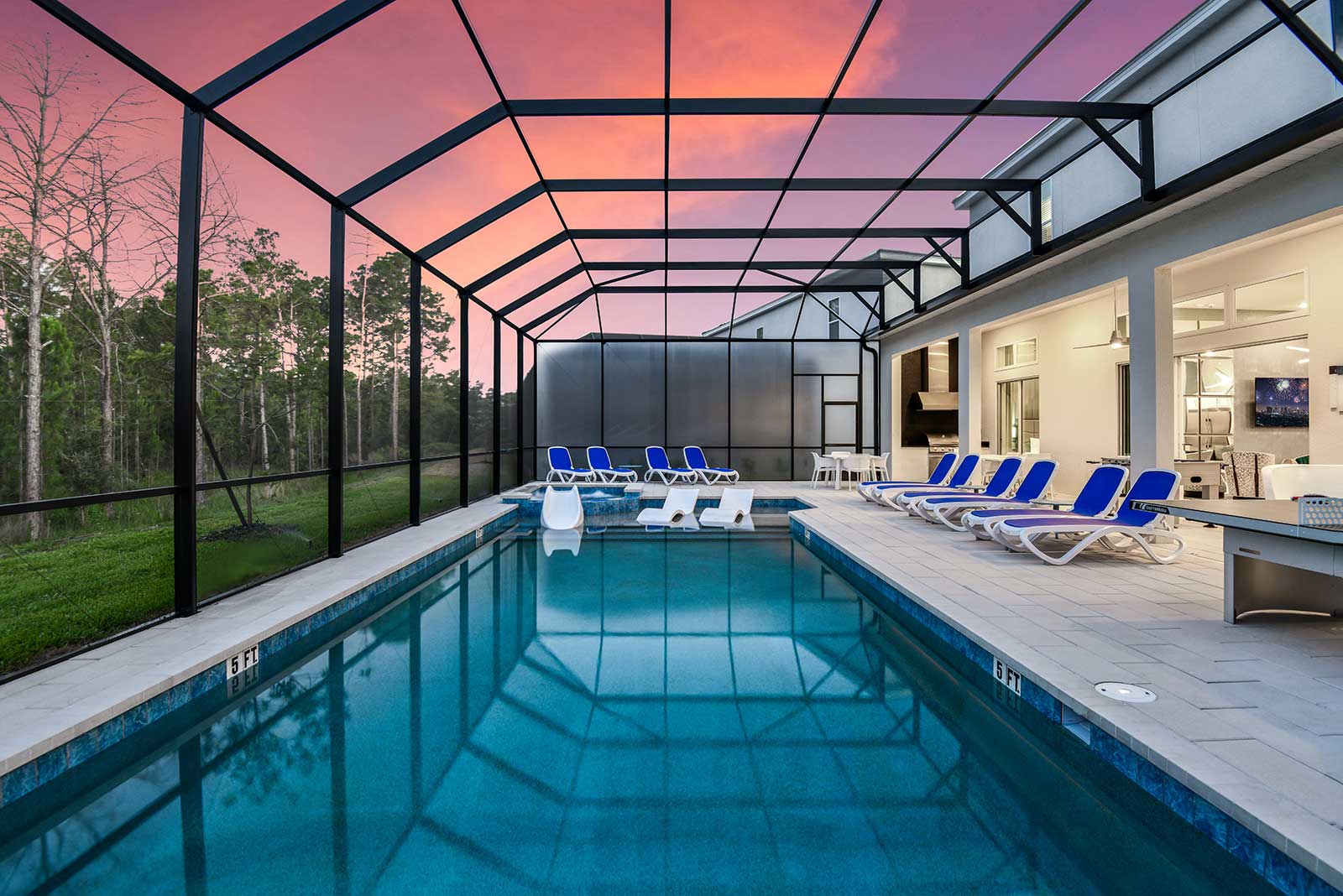
Shorter lines, cooler mornings, better rates. Book four nights in an Orlando home and the fifth one is free, so there's room for one more park day, one more slow morning, one more round in the pool.
Learn More
Book Now

Homes by Villatel, Space Coast
15% Off Stays of Three Nights or More
Homes by Villatel, Space Coast
15% Off Stays of Three Nights or More
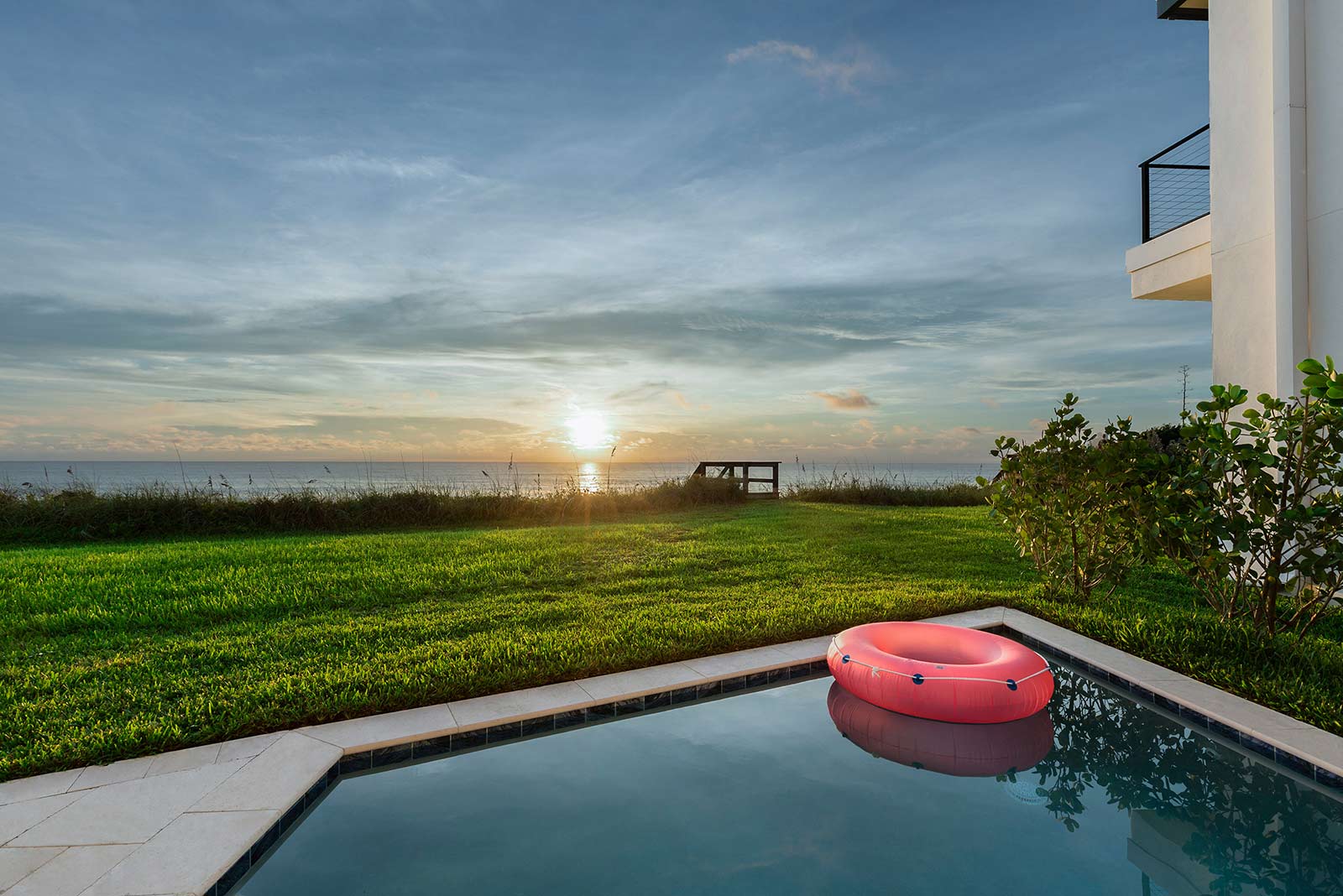
Quieter beaches, warm water, better rates. Three nights or more in a Space Coast home comes with 15% off, so what you save covers one more beach day, one more sunrise, one more slow morning.
Learn More
Book Now
Homes by Villatel, Space Coast
Florida Marathon Weekend: 15% Off Your Stay
Homes by Villatel, Space Coast
Florida Marathon Weekend: 15% Off Your Stay
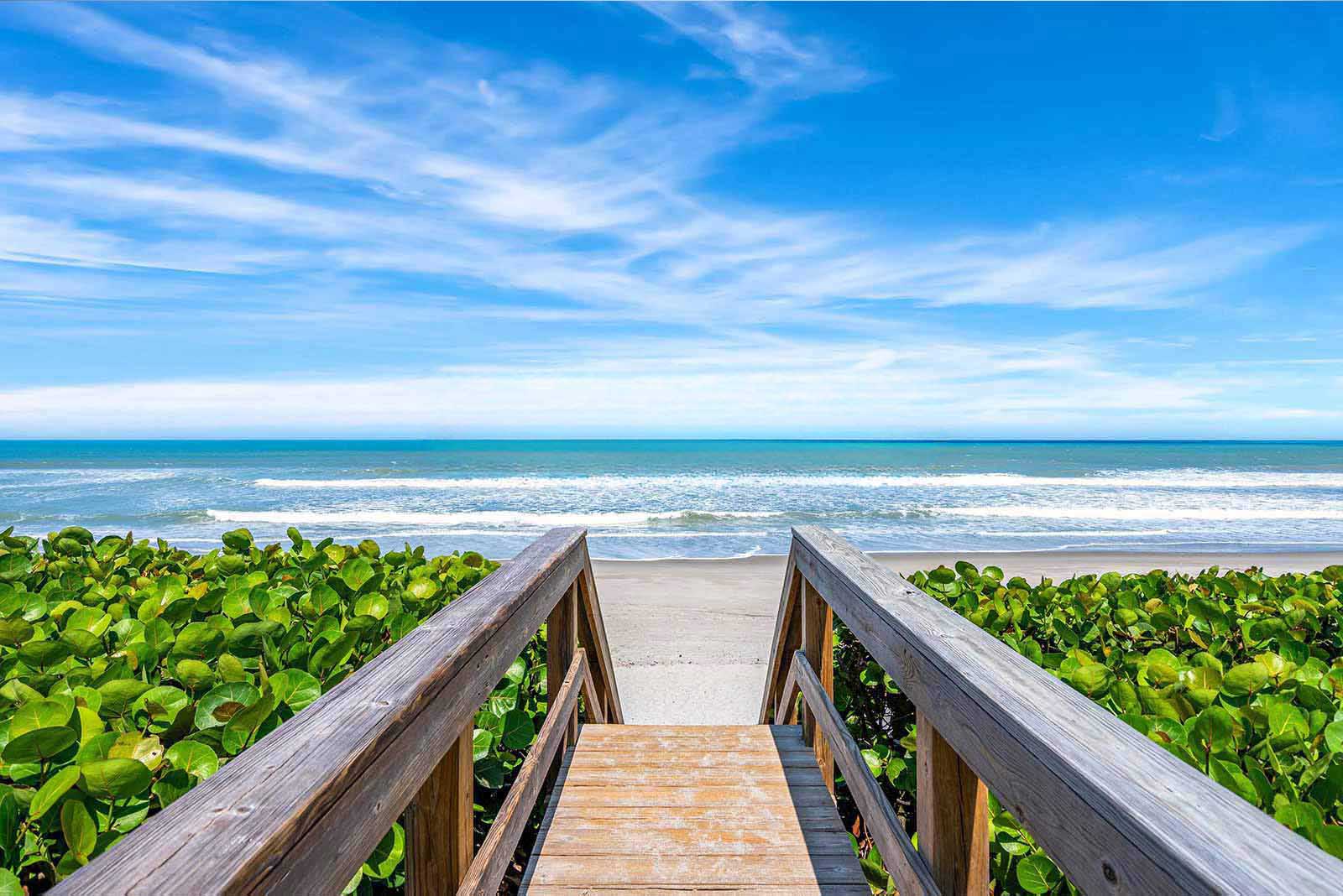
Race weekend made easy. Stay three nights or more for the Florida Marathon on Sunday, February 7, and take 15% off, so there’s time to rest up before the start line and recover by the water after the finish.
Learn More
Book Now
All Homes by Villatel Communities
Book 7 Nights, Get the 8th Night Free

All Homes by Villatel Communities
Book 7 Nights, Get the 8th Night Free
Your sweet escape just got sweeter 🍬: book 8 nights and only pay for 7! Excludes major holidays.
Learn More
Book Now
Homes by Villatel, Space Coast
Florida & Georgia Resident Offer
Homes by Villatel, Space Coast
Florida & Georgia Resident Offer
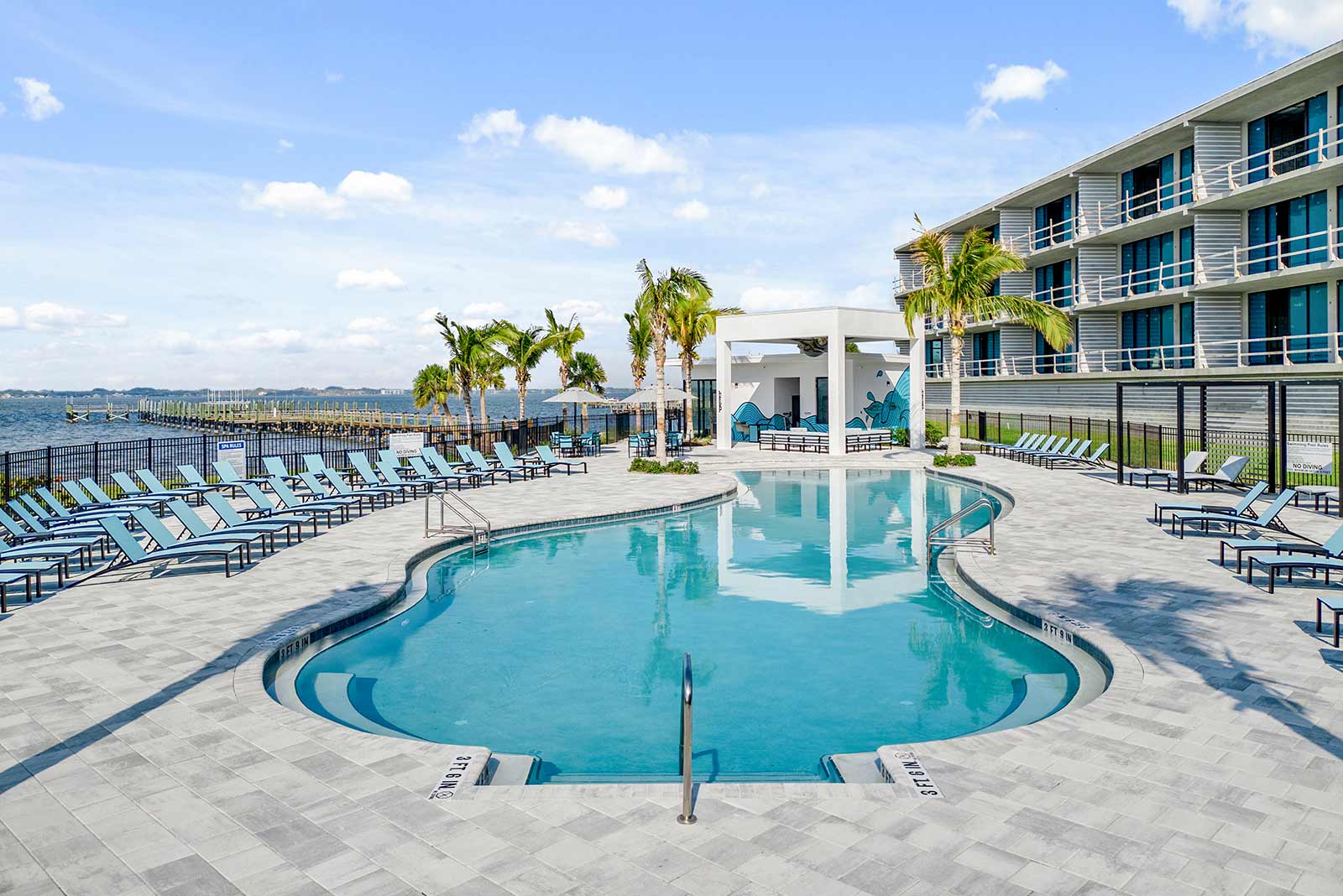
Local perks, unlocked. Florida and Georgia residents can enjoy 10% off when booking 4 nights or more at Homes by Villatel at Harbor Island Beach Club. Pack up the car and turn your road trip into the ultimate retreat!
Learn More
Book Now
Homes By Villatel, Orlando
Florida & Georgia Resident Offer

Homes By Villatel, Orlando
Florida & Georgia Resident Offer
Local perks, unlocked. Florida and Georgia residents can enjoy 10% off when booking 4 nights or more at all Homes By Villatel, Orlando locations. Pack up the car and turn your road trip into the ultimate retreat!
Learn More
Book Now
FAQs
How do I apply a promo code to my reservation?
To apply a promo code to your reservation, first choose your desired villa type and click "Book Now." In the checkout screen of the booking process, you will reach the payment section. Here, look for the box labeled "Have a promo code?" and enter your code there. Then, click "Submit" to apply the discount to your reservation.
How do I select add-ons during the booking process?
After selecting your villa and clicking "Book Now," you'll see standard add-ons such as early/late checkout, pool heat, and grill use on the checkout screen. You can select "Add To Trip" at this point or proceed to the confirmation screen by clicking "Confirm & Pay" to add them there. Once your reservation is confirmed, you’ll have another chance to choose additional add-ons and packages by selecting "Add To Trip" before finalizing your booking and clicking "Confirm & Pay."
Who can I contact for assistance with add-ons after receiving my booking confirmation or during my stay?
Our Guest Services team is available 24/7 to assist you. Feel free to reach out by phone or email, and we'll be happy to help! Contact us at 407-307-2794 or stay@homesbyvillatel.com.
